
Put a menu online or offline
For: manager and owner.
Do you want to temporarily stop receiving orders (e.g. on a closing day or when sold out)? Then you put the menu offline. Customers will no longer be able to use it to place orders.
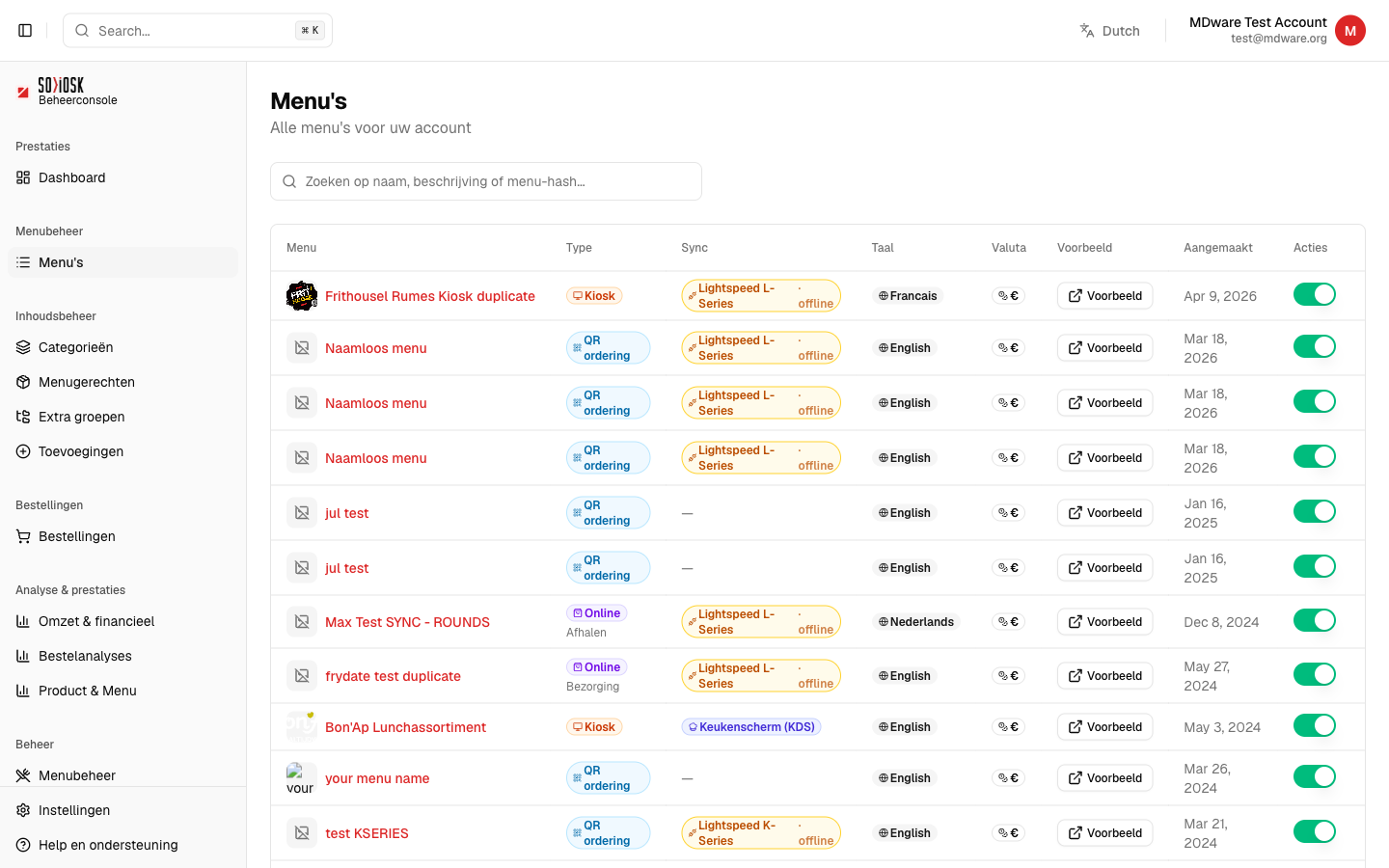
Go to Menus.
Find the menu in the list and look at the Actions column on the far right.
Click on the toggle: green/on = online, grey/off = offline. The change takes effect immediately.
Note: an offline menu remains with all your products. You simply put it back online later — you lose nothing.