
Rounds Mode and Product Availability
For: kitchen staff.
In addition to the standard KDS mode, the kitchen screen has two additional modes. You select them on the home screen.
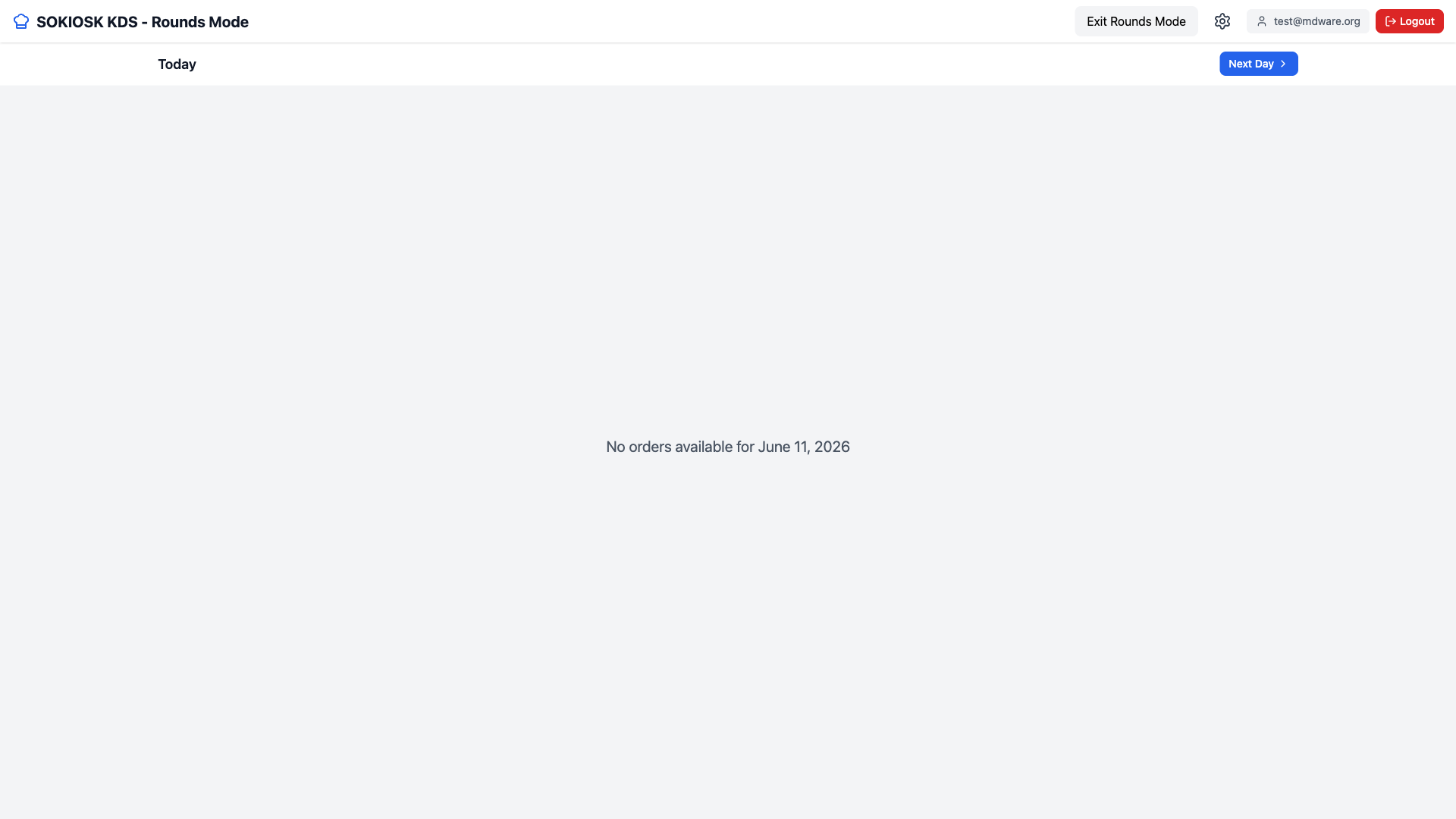
Rounds Mode
Rounds mode displays orders by day, useful for pickup rounds or orders scheduled for a later day. Use Today and Next Day to navigate between days. When a round is complete, you can report it as done.
Product Availability (86 dishes)
Select Product Availability on the home screen.
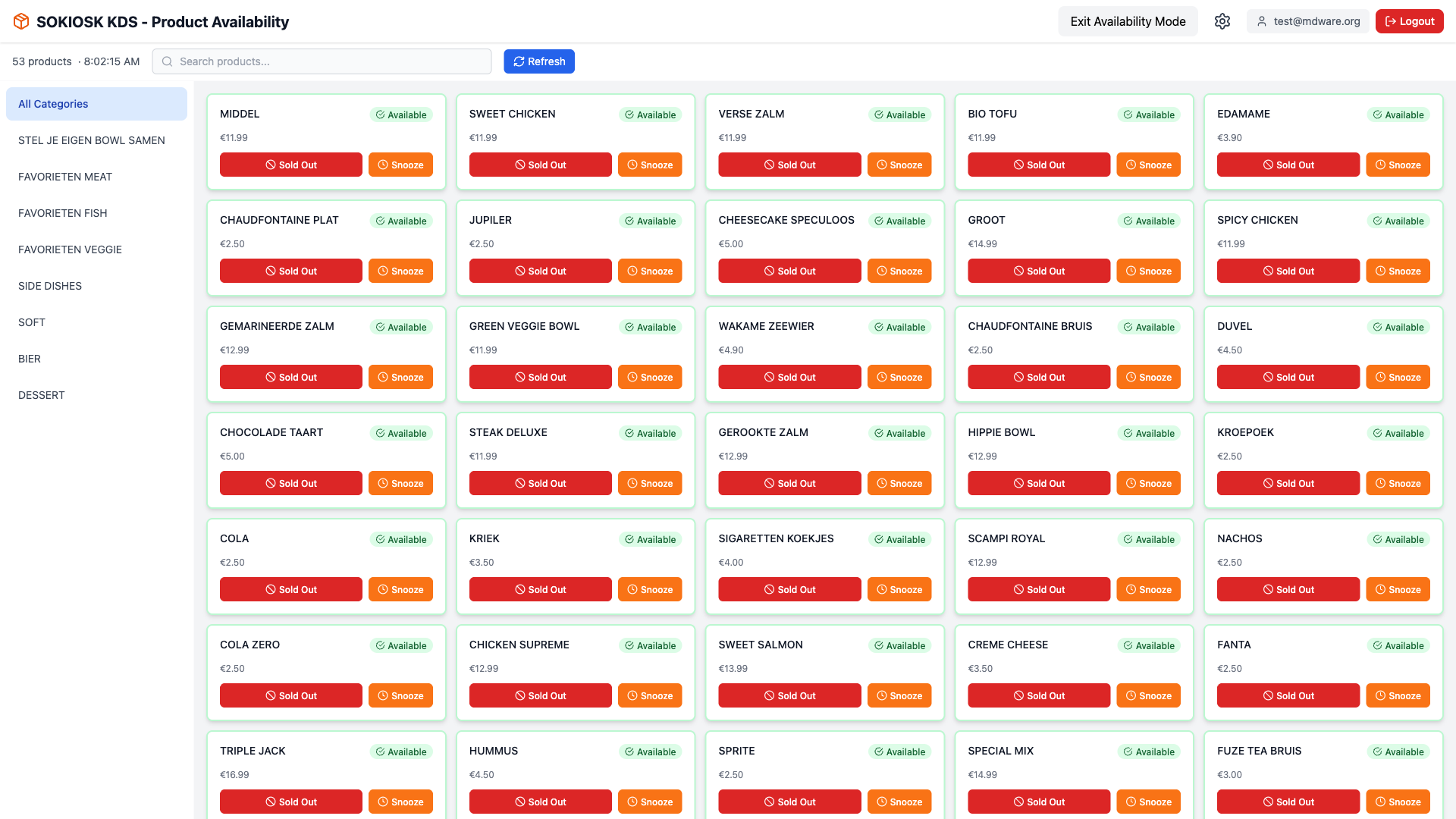
You see a grid with all products. Filter on the left by category or search at the top.
Click Sold Out to temporarily block a dish, or click Available to make it available again. The change is immediately active on the kiosk.
Handy: this way the kitchen can 86 a dish without going to the console. Don't forget to set it back to Available when it's back in stock.