
Translations per language
For: manager and owner.
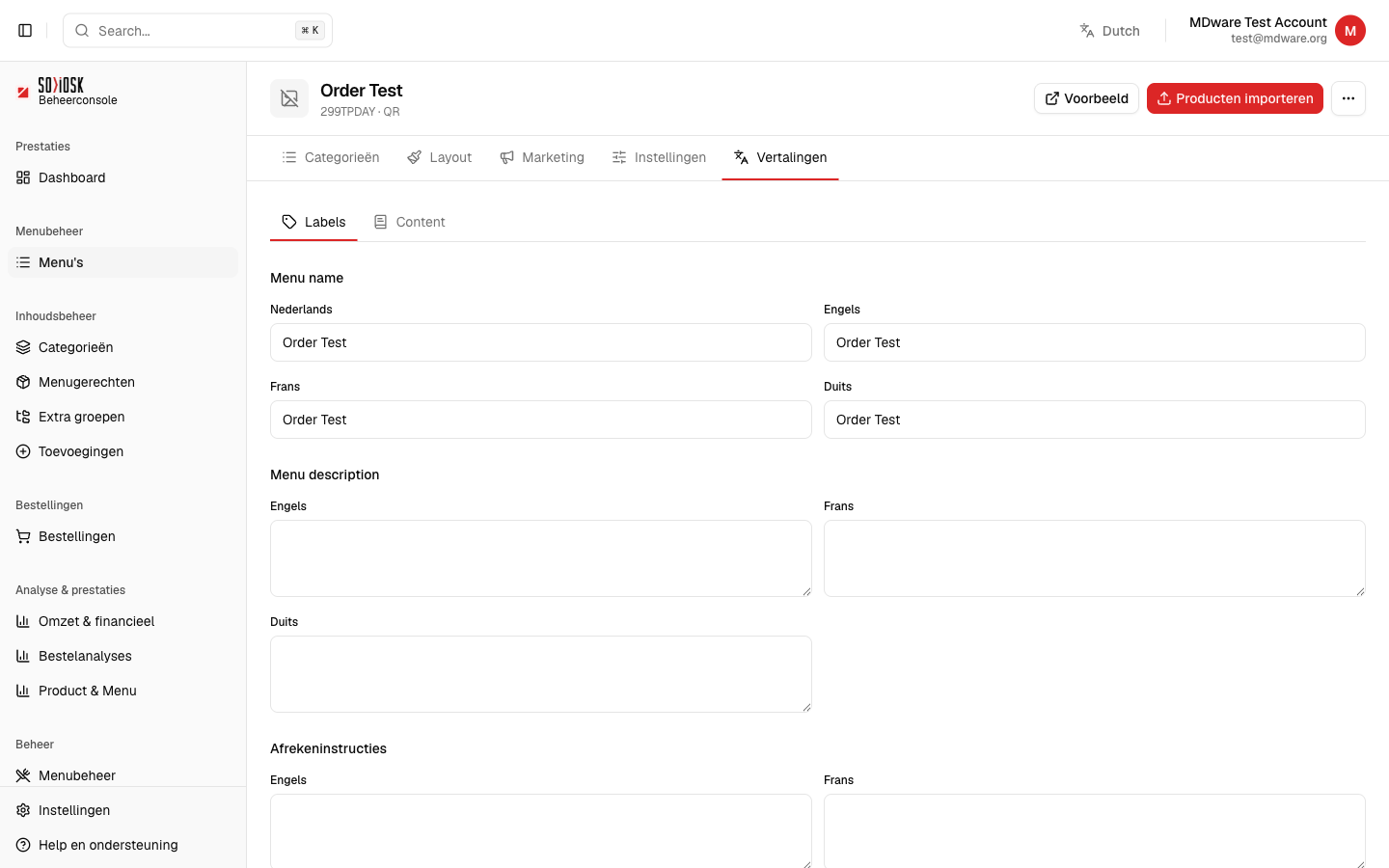
On the Translations tab, you give your menu a name and description in multiple languages, so that each customer sees the menu in their own language.
Open a menu and click on the Translations tab.
Choose between Labels (fixed texts such as menu name, description and checkout instructions) and Content (your categories and products).
Fill in the text for each language in each field: Dutch, English, French and German.
Save your changes. The translation appears immediately for customers who select that language.
Note: do not leave any language empty that your customers can choose. An empty field displays empty text on the menu.