
Creating a menu
For: owner (administrator).
Most businesses manage one or a few existing menus. A brand new menu is usually set up for you by SoKiosk, so the correct language, currency and cash register connection are already configured properly.
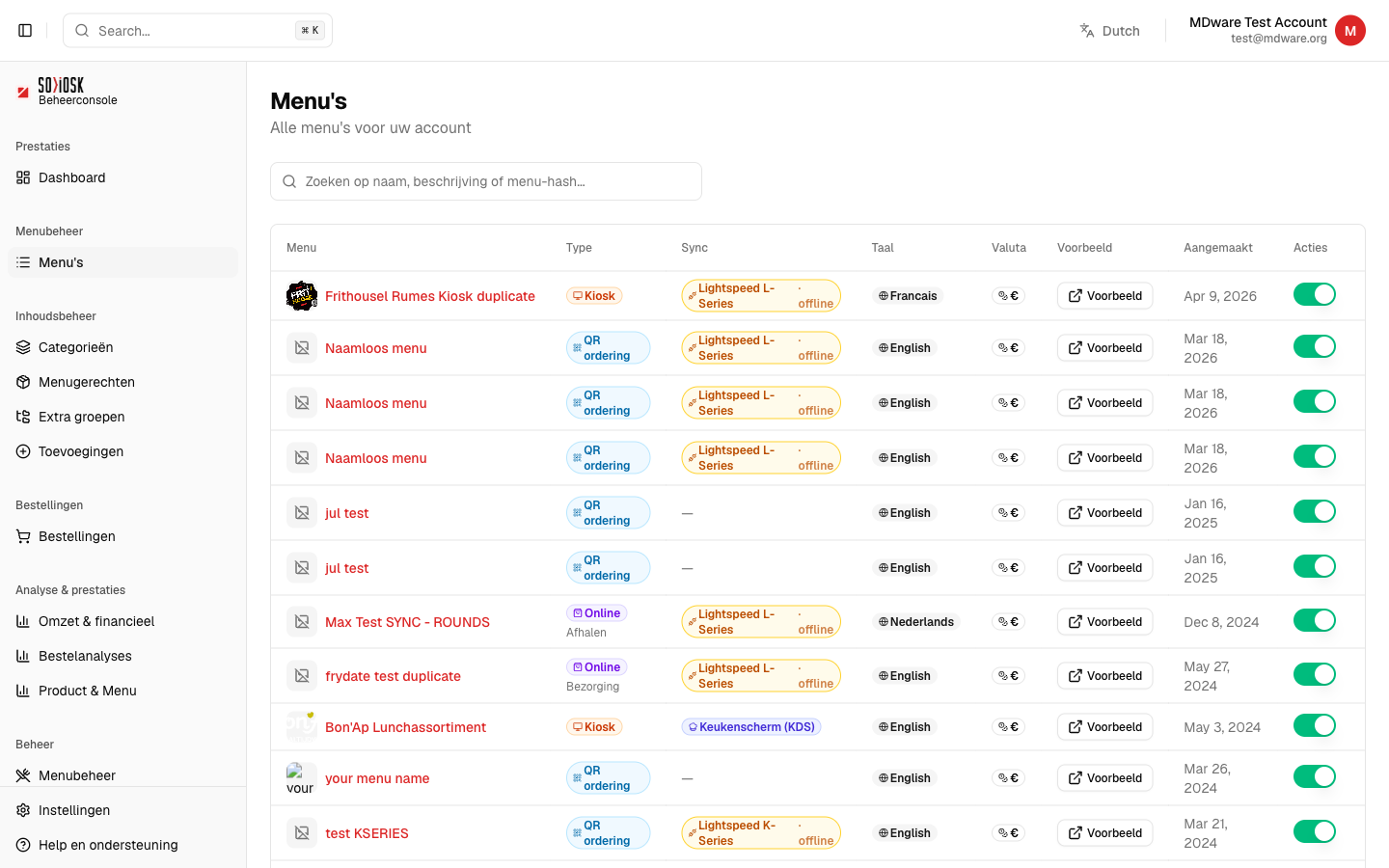
Go to Menus. You will see all menus that exist for your account here.
If you have an administrator account with the New menu button, click on it and choose a name and the main language of the menu.
Don't see that button? Then SoKiosk will create your menu. Request this via Help and support with the desired name, language and cash register connection.
Once the menu exists, open it and complete it further using the Categories, Layout and Settings tabs.
Note: creating a completely new menu is reserved for administrators. You do not need this to manage your existing menu.